
Before you fly
Add your booking or import a boarding-pass image. Review the details, choose your support and make a plan for the flight ahead.
 CabinCalm
A personal plan before takeoff. A familiar voice in the cabin. Support for nervous flyers, right on your iPhone.
Currently in private beta for iPhone.
Support without a subscription.
Plus audio ready for airplane mode.
A journal that stays on your iPhone.
From the first bit of preparation to the flight home, keep what helps within reach.
Add your booking or import a boarding-pass image. Review the details, choose your support and make a plan for the flight ahead.
Open Help me now for a short grounding or breathing exercise. With Plus, return to your saved audio and pick up where you paused.
After you land, note what helped. Bring that tool or recording back when you prepare for another flight.
A few familiar places to return to, before boarding and on the other side.

Choose one small exercise when everything feels like a lot. Immediate support is available without Plus.

Save a practice, pause when you need to and resume from the same place. All eight sessions are included with Plus.

After confirming you’ve landed, reflect on what helped. Your journal stays on your iPhone.
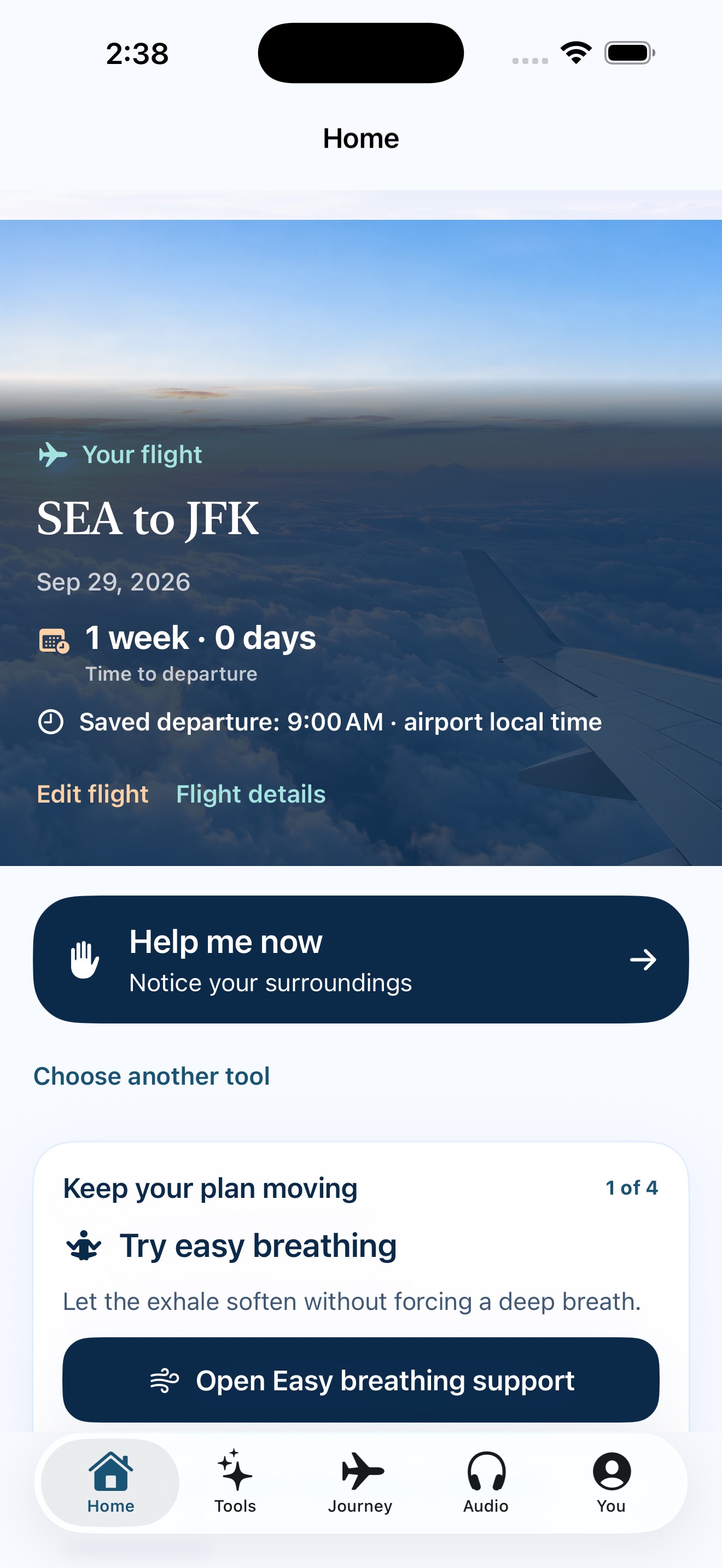
Actual app screens with sample flight and journal details.
Eight guided practices for waiting, takeoff, cabin movement and the moments in between. Included with Plus and stored in the app for offline listening.
CabinCalm Plus brings your preparation, flights and offline audio together.
Choose a monthly or annual plan in the app. You’ll see the current price, any eligible paid introductory offer and renewal terms before subscribing. Manage or cancel through Apple.
Start with a free grounding exercise and personal plan preview. Ongoing flight management, editable plans, reminders, weather and audio require Plus.
Read the subscription termsKeep upcoming and past trips together, with an editable plan and checklist for each.
Choose when to prepare. Update your flight and review the timing whenever plans change.
Save a favorite, follow the transcript or resume a practice. No connection needed to listen.
Check airport observations with their source and update time.
Immediate support stays available without Plus. Your saved records stay accessible, too.
Explore the support toolsSaved plans, immediate support and the bundled audio library work without a connection. Plus access must be established in the app; purchasing, restoring access and refreshing airport weather need a connection.
No. Airport weather describes observations on the ground. Follow your airline, airport displays and cabin crew for boarding and flight decisions.
No. Your saved plans and journal live on your iPhone. Refreshing airport weather shares the selected airport codes with our service. Live airline tracking is currently unavailable. Read how your information is handled.
CabinCalm is currently in private beta for iPhone. Existing testers can install the latest version through TestFlight. Public App Store availability has not been announced.
Already trying CabinCalm? Tell us what helped, what felt unclear or what you’d like to see next.
Share your feedback